
VR Event
Planning Guide
Guide for Organizers: Designing the Perfect VR Zone for Your Event
Complete with Zone Planning, On-site Flow, Checklist, and FAQ to help you define the right scale and run your event with confidence.
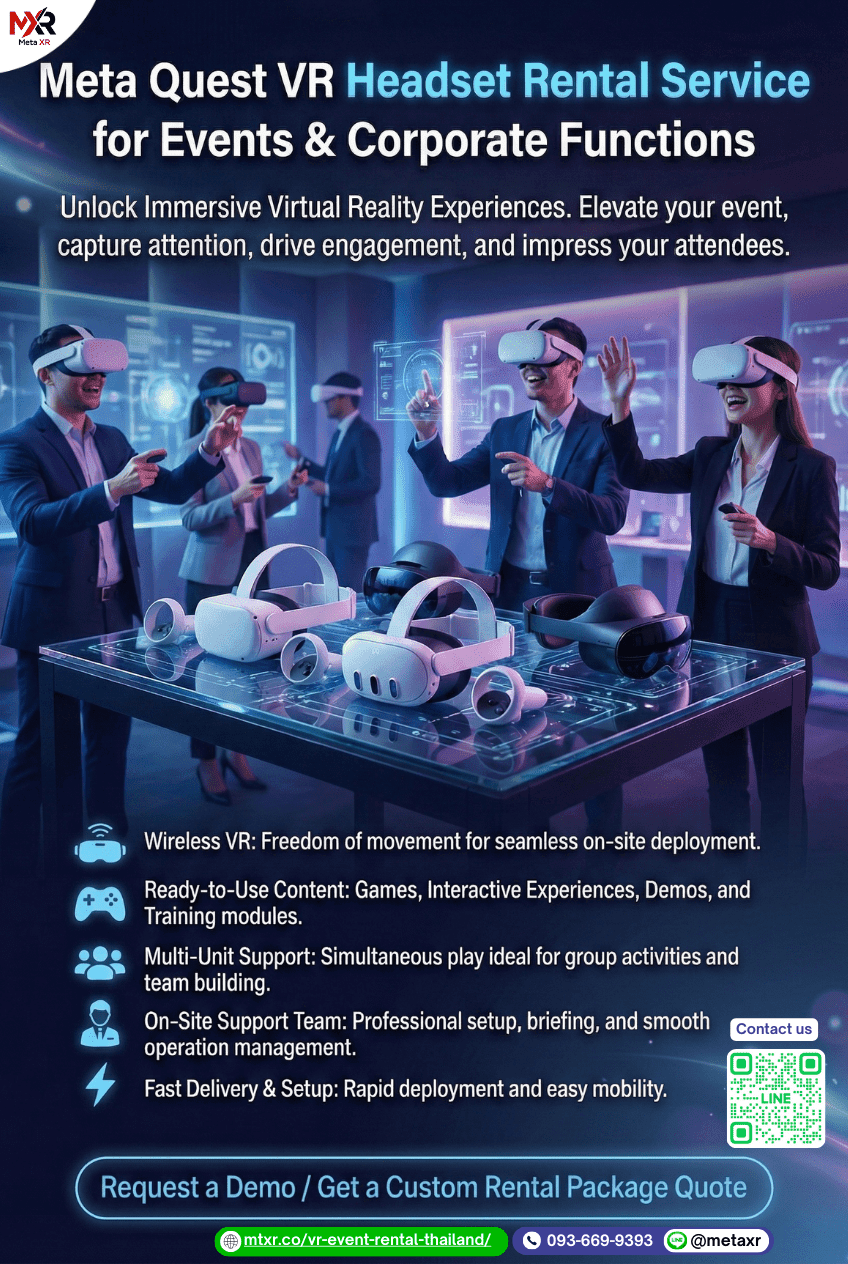
Guide for organizers looking for the most cost-effective VR placement. Practical best practices summarized: 3 activity formats, Zone A/B/C details, package table, Event Checklist, and FAQ for Corporate / Booth / Event.
3 VR Activity Formats for Events
Choose the right use case to match your event objectives (Team / Brand / Fun)
Team Building
Ideal for corporate activities, workshops, and seminars. Easy to run in rounds and simple to control the session timing.
Exhibition / Booth
Ideal for exhibitions and product launches—set up as a try-out station to attract queues and create strong brand recall.
Event Entertainment
Perfect for leisure activity breaks during the event. Helps energize the space and keep attendees engaged—and staying longer at the event.
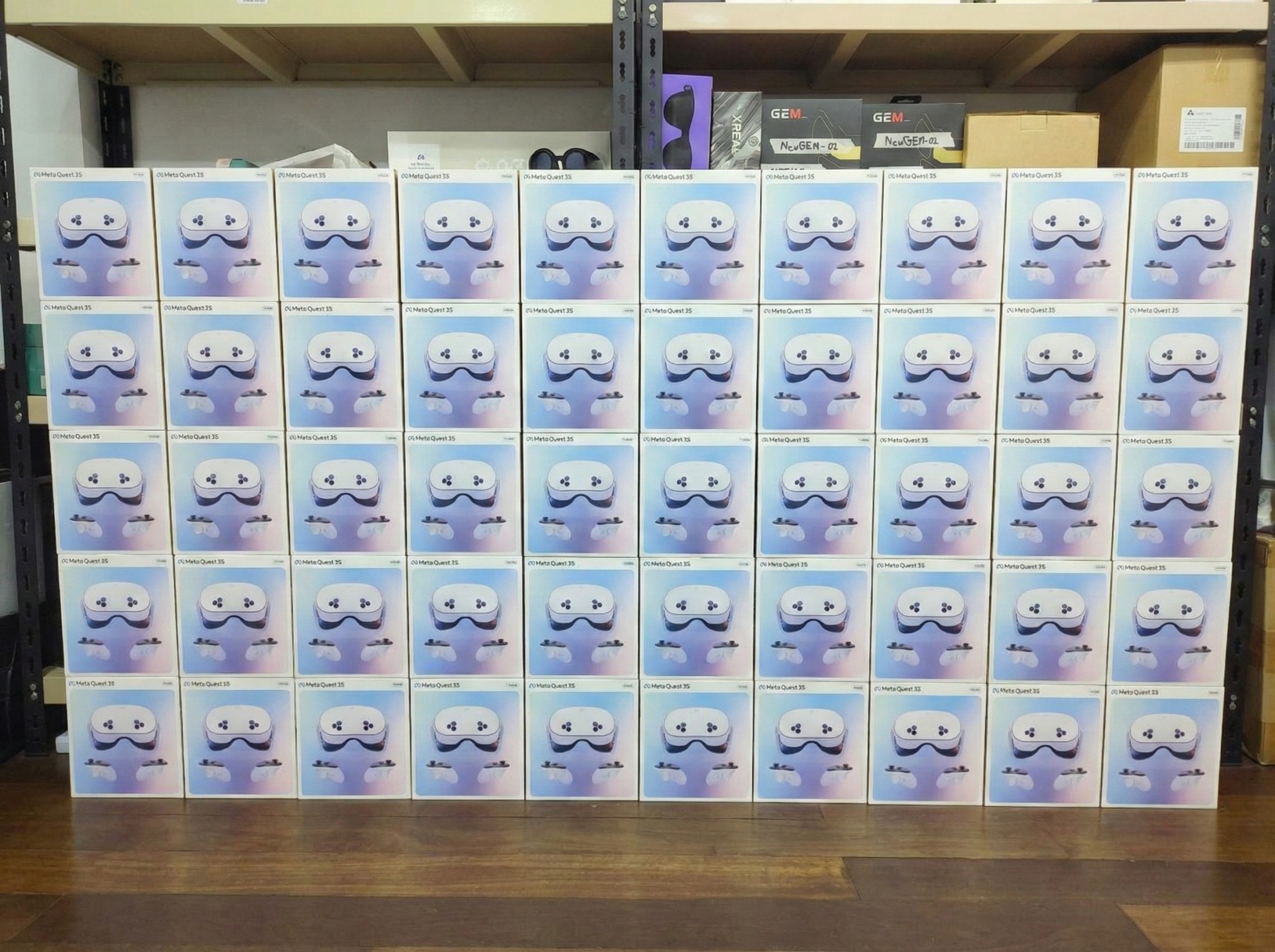
Complete equipment set (Accessories) — not just the device itself
To keep your event running “smoothly + safely + cleanly,” accessories are what truly make on-site operations efficient.
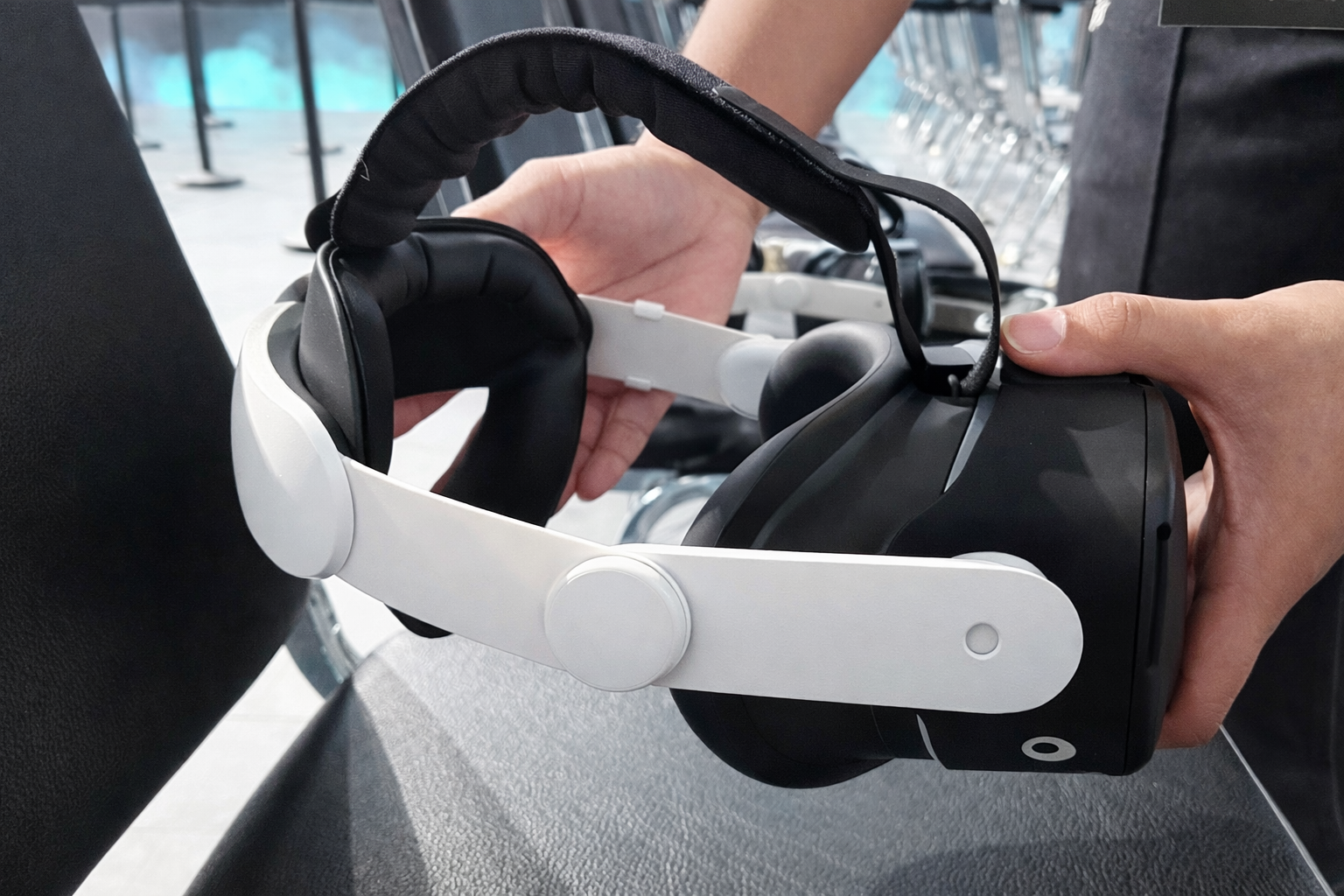
- ✓Adjustable Head Strap: Easy to wear, secure fit without pressure, fits various head sizes.
- ✓Silicone Face Interface: Sweat-resistant, soft, and easy to wipe clean.
- ✓Full Protection Case: Reduces impact risks during transport and use, including protection for controllers.
- ✓Complete Charging Set: Charging cable and adapter ready to use.
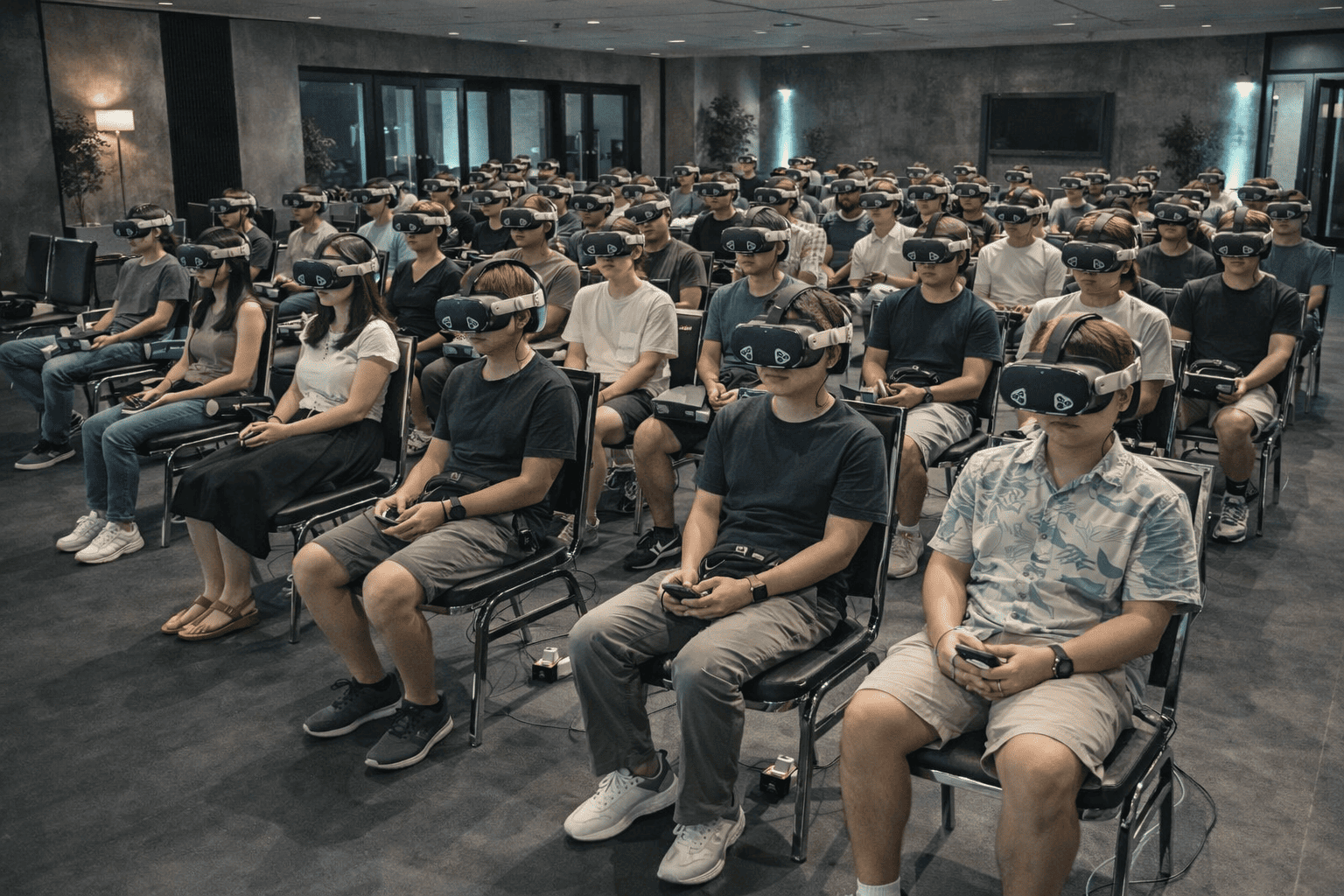
3 zones designed for maximum effectiveness
Guidelines for organizers: minimum space / number of devices / user flow
Zone A: Brand Experience
Sponsor / Activation- Recommended minimum space: 4×6 meters (or more) for queue + play area + rest area
- Recommended number of devices: 5–10 units (starter setup), then scale based on traffic
- User flow: 8–12 minutes per round + allow 2–3 minutes for changeover and briefing
- Recommended content: Easy to play, quick to understand, “wow in 30 seconds,” and photo/share-friendly
Zone B: Corporate Activity
Team Building- Recommended minimum space: 5×8 meters to set up 2–3 play stations + waiting area
- Recommended number of devices: 10–15 units for events that want fast rotation
- User flow: 10–15 minutes per round + 5 minutes for debriefing/team switch
- Recommended content: Team-based activities with shared goals (team play) or group competitions
Zone C: Fun & Flow
Waiting / Break- Recommended minimum space: 3×5 meters (starter setup), optimized for quick in-and-out
- Recommended number of devices: 5–10 units (depending on attendee density)
- User flow: 5–8 minutes per round for higher turnover
- Recommended content: Quick fun, easy to play, minimal instruction (great for passersby)
Package Comparison
A clear package comparison table for planning your event scale
| Item | Basic | Standard | Premium |
|---|---|---|---|
| Number of units (Units) | 5–10 | 11–25 | 50+ |
| On-site staff (Staff) | 1–2 people | 2–4 people | 4–8 people |
| Suitable for | Small events / parties / small booths | Team Building / seminars / medium booths | Exhibitions / large-scale events / high-scale events |
| Estimated players per day* | ~50–120 people/day | ~120–300 people/day | ~300–800+ people/day |
| *Estimates for planning purposes only (dependent on session length / flow / on-site space) — adjustable to fit actual event conditions. | |||
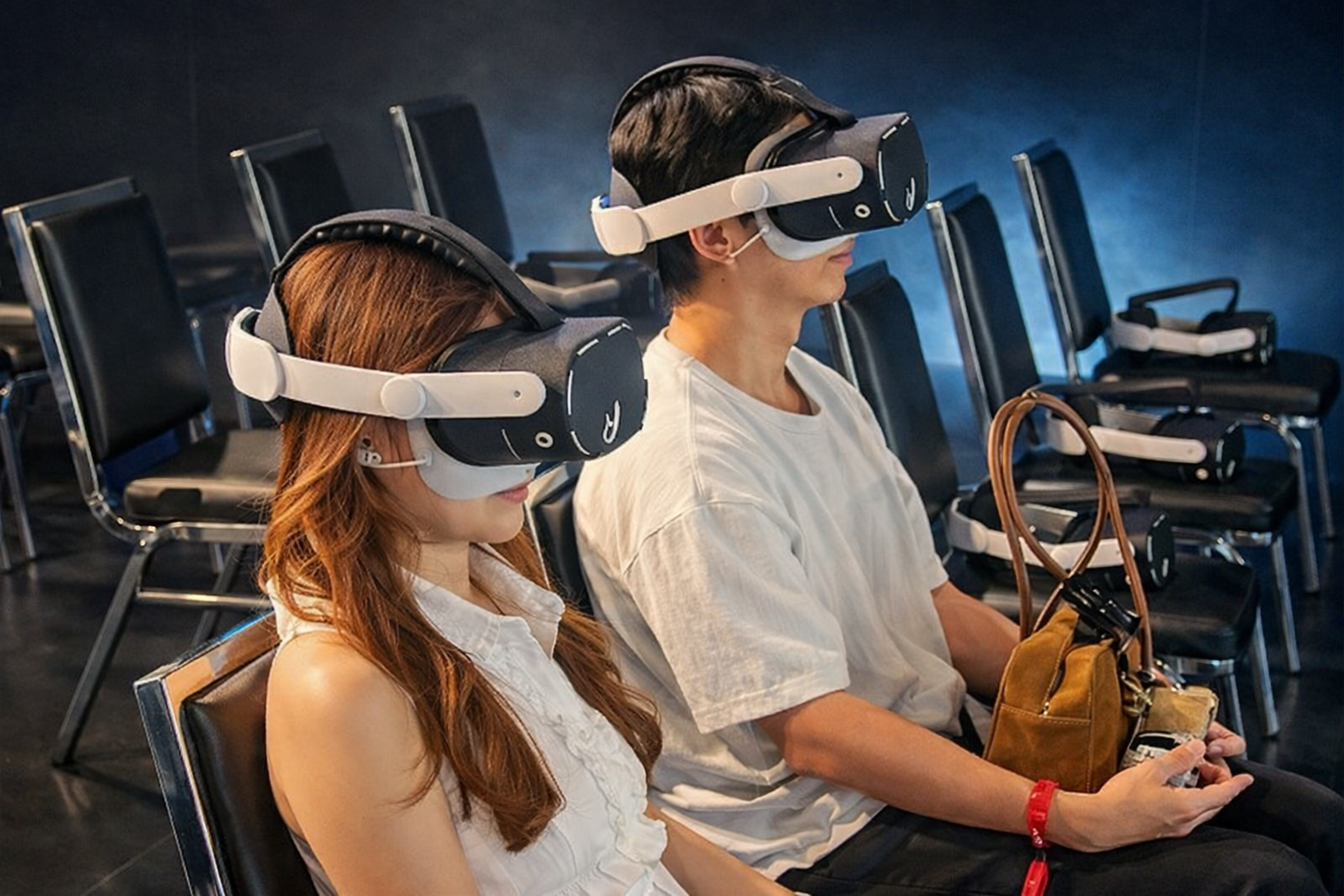
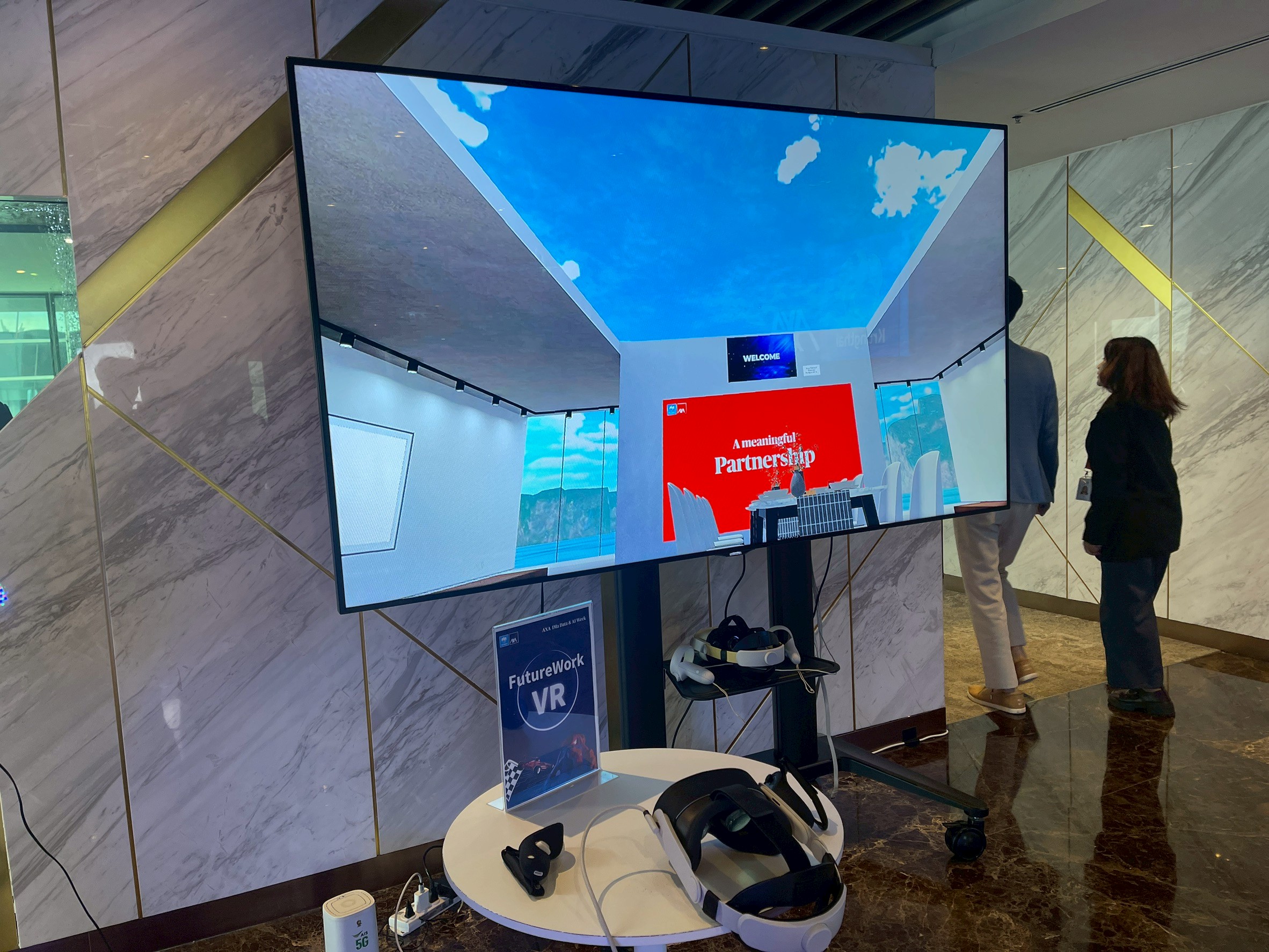
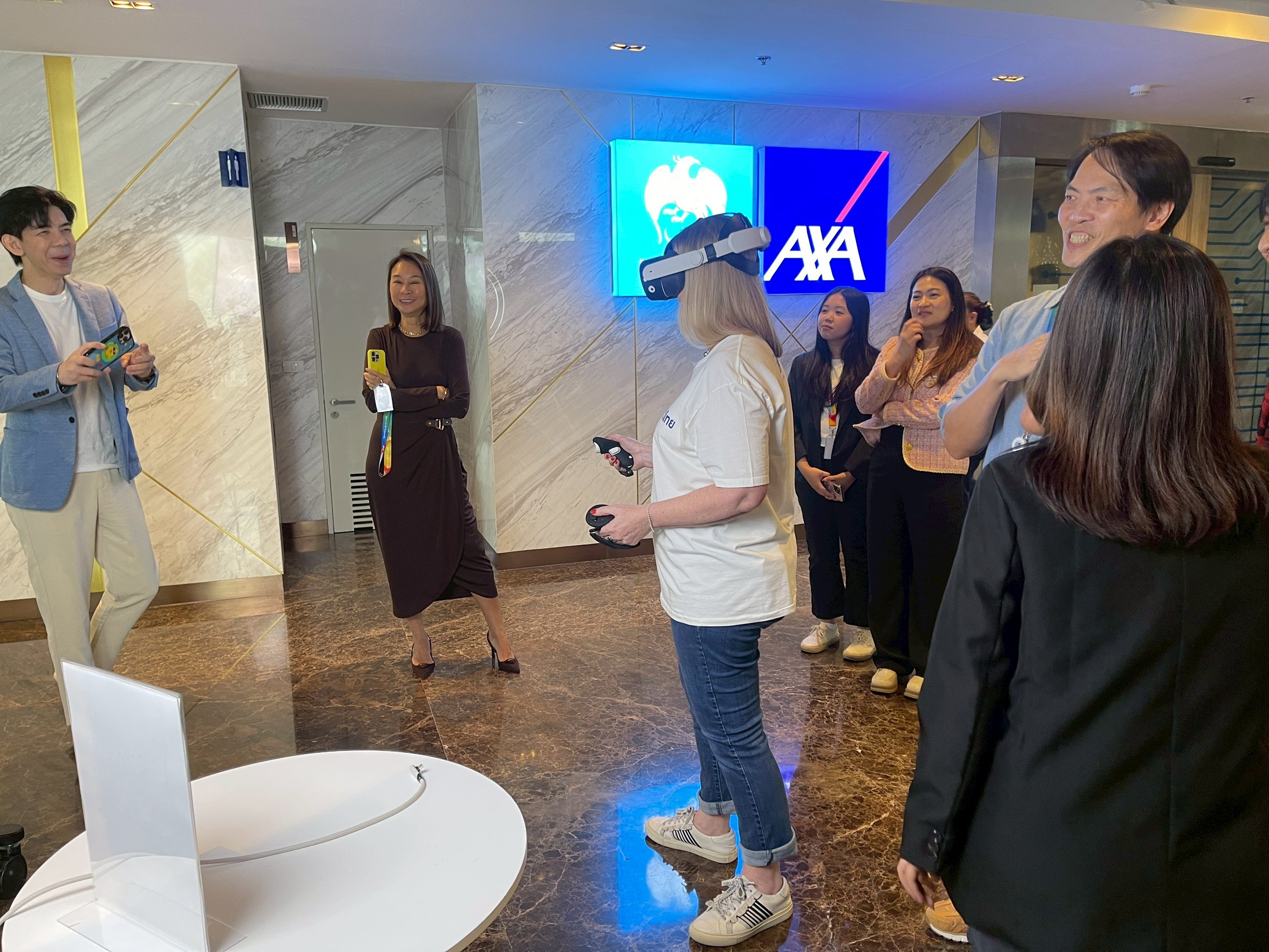
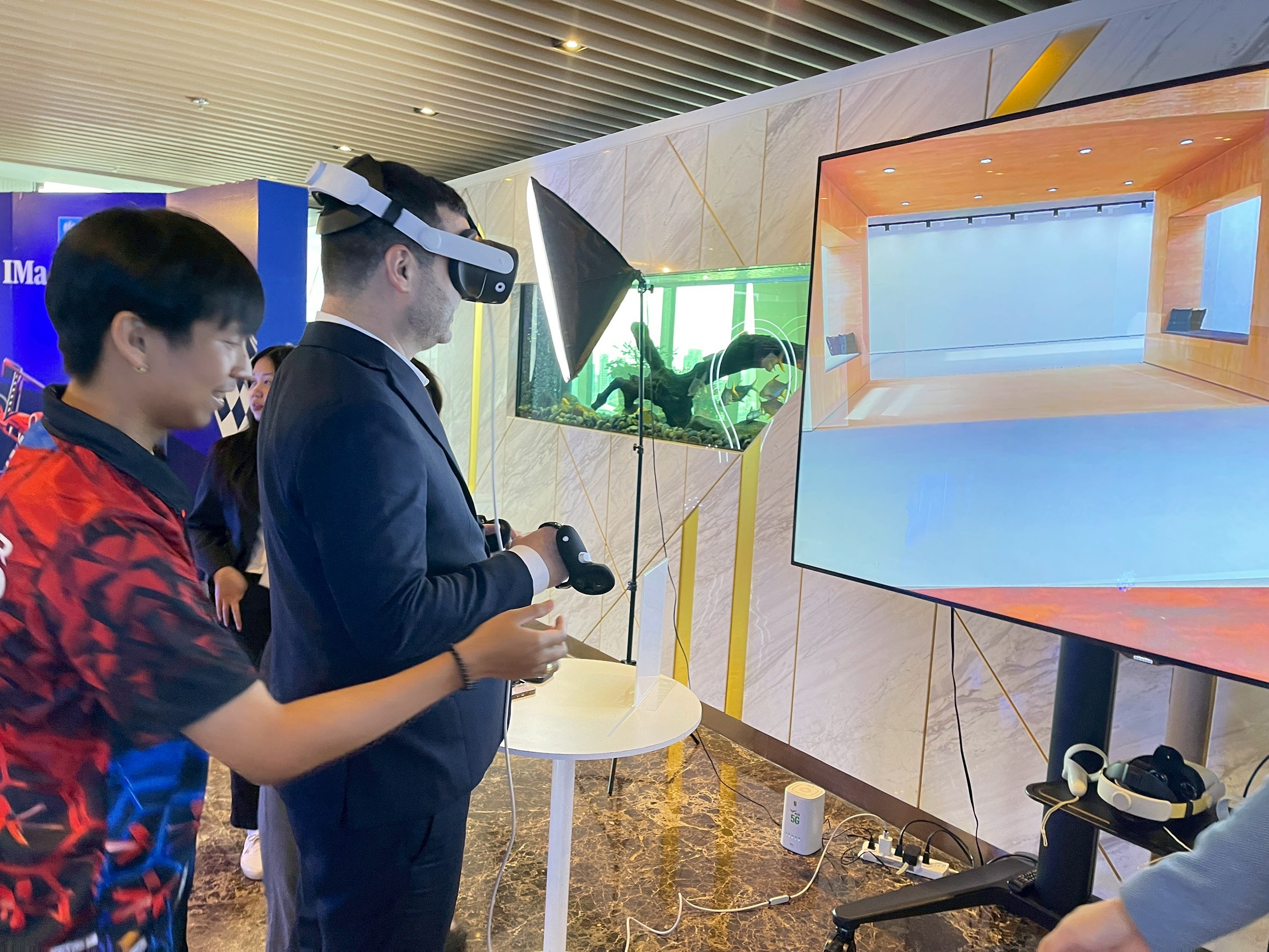
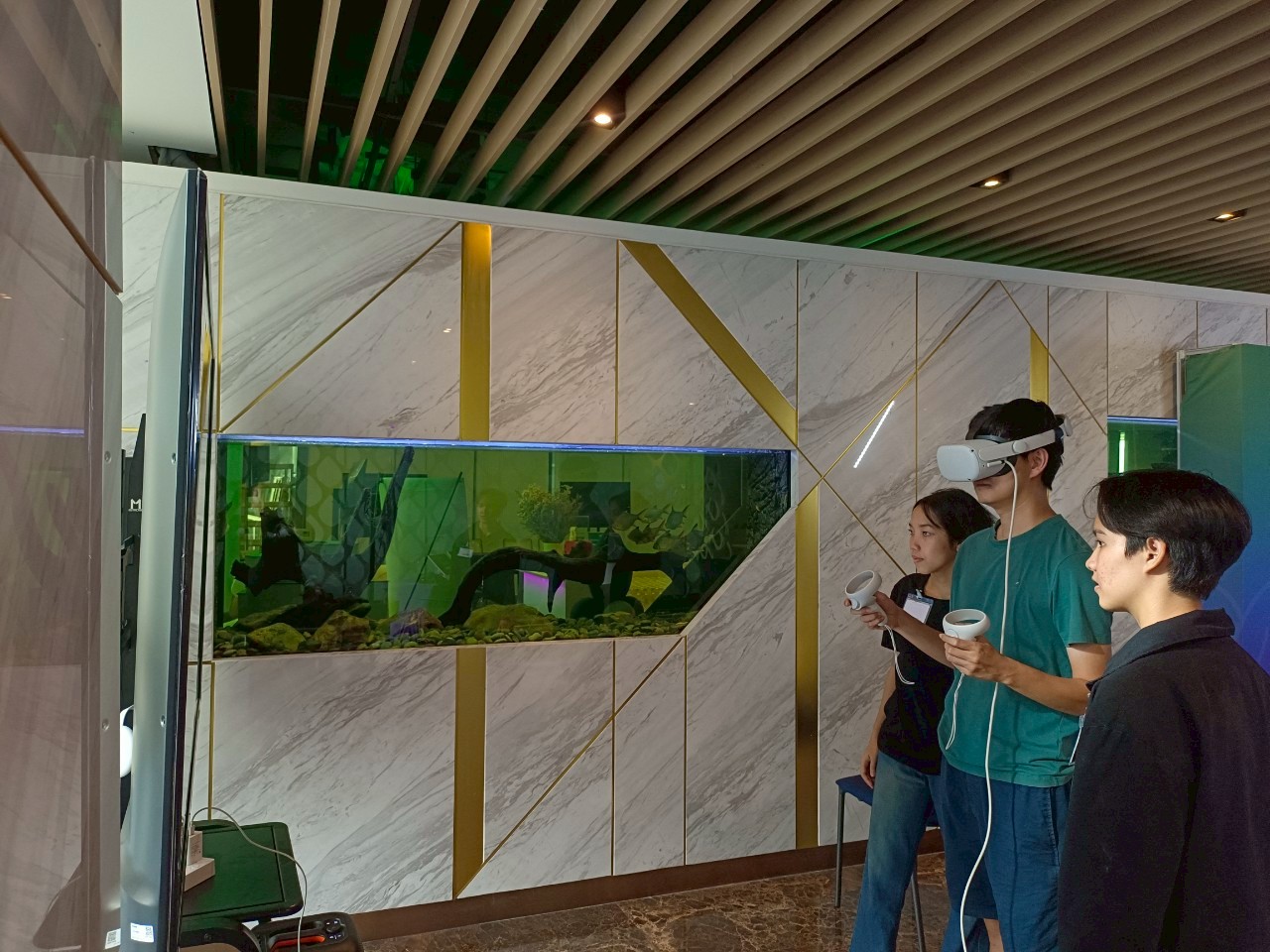
Real Event Atmosphere (Event Atmosphere)
Real on-site atmosphere examples to help organizers visualize VR zone setups
FAQ for Organizers
Popular questions to help plan the number of devices and gameplay flow
How many units should we rent for 200 attendees to ensure smooth operations?
Quick calculation method: run in “rounds” and calculate the hourly capacity.
Example: 10 units / 10 minutes per round / 2 minutes for changeover
= 12 minutes per round ⇒ ~5 rounds/hour
⇒ 10 units × 5 rounds ≈ 50 people/hour
If your activity window is 3–4 hours ⇒ supports around 150–200 people (depending on queue management and space)
Simple formula: people/hour ≈ number of units × (60 ÷ (session time + changeover time))
Will it be difficult if guests have never tried VR before?
Not difficult—if you choose content that is easy to jump into and set up a clear queue flow. A good practice is to “briefly explain” + “allow a 30-second trial” before starting the actual round.
What should we watch out for: Indoor vs Outdoor?
Outdoor setups should watch out for sun, rain, and heat, and provide tents/canopies for comfort and safety. Indoor setups are easier to control light and crowd flow, making them ideal for round-based activities.
Can the content/theme be customized to match our brand?
It can be done in many cases, depending on the content format and project details. We recommend that organizers prepare brand objectives and key messages to assess the suitability of the on-site experience.
Can documents and tax invoices be issued for corporate clients?
Yes — please provide your legal entity name, address, and tax ID so we can prepare the documents correctly.
Do we need internet/Wi-Fi?
It depends on the content used. Most offline content can run without Wi-Fi. However, if there are registration systems, communications, streaming, or certain integrations, on-site network access may be required. We recommend sharing your venue details and limitations in advance to assess the best approach.
What is the ideal session length per round for smooth rotation?
For typical events, we recommend "8–12 minutes per round" and allow "2–3 minutes for changeover and briefing." This will help keep the queue moving and make it easier for the team to manage the flow.
Can we set up a VR zone in a small space?
Yes, by selecting content that requires minimal space and setting up quick in-and-out play stations. We recommend having at least ~3×5 meters of open space (starter setup) and placing the queue in a way that doesn't block main walkways.
Is outdoor setup possible? What extra preparations are needed?
Yes, but you should have tents/canopies to protect from sun and rain, reduce heat, and improve comfort for players. Also, ensure secure equipment storage and have a backup plan in case of rain.
Can children or elderly participants join?
Yes, by selecting appropriate content and keeping session lengths comfortable. We recommend having staff to assist and guide participants, and providing a rest area for those who feel dizzy.
Are there hygiene measures for high-rotation events?
Yes, by using hygiene accessories (e.g., silicone face interfaces, cleaning wipes) and setting up a cleaning/changeover flow before passing to the next participant.
Can we set up a “schedule” for players to pre-register?
Yes, and this method is very effective for controlling queues, especially for Team Building and seminars. We recommend grouping by team/color and setting clear time slots to ensure smooth operations.
Can you issue quotations, corporate documents, and tax invoices?
Yes — please provide your legal entity name, address, tax ID, and event details so we can prepare the documents correctly.
Event Checklist
Pre-event checklist for organizers (reduce on-site issues + ensure smooth operations)
Space & Safety
- Clear the play area—remove obstacles and sharp corners.
- Clearly define the zone “entry and exit” to reduce crowding and collisions.
- Provide a dedicated queue/waiting area without blocking main walkways.
- Provide a rest area for users to remove headsets if they feel dizzy (if needed).
Power & Operations
- Prepare power outlets and power strips for charging stations and staff equipment.
- Prepare tables and chairs for queue management and equipment handling.
- For outdoor setups: provide tents/canopies for sun and rain protection.
- Set clear setup/teardown times and equipment access routes.
Ready to plan your VR zones for your event?
Send us your event details (date / location / expected attendees / available space), and we’ll recommend the right number of devices and the optimal zone flow for your event.